Move a lead along, or close it
Who can do it: Partner, manager or associate
Where: Commercial › Pipeline , then the lead
-
Open the lead from the list. The tabs Open, Mine, Unassigned, Won, Lost and abandoned and All help you find it.
-
Change the Stage: New, Contacted, Qualified, Converted, Lost or Abandoned.
-
To hand it to someone else, change the Owner.
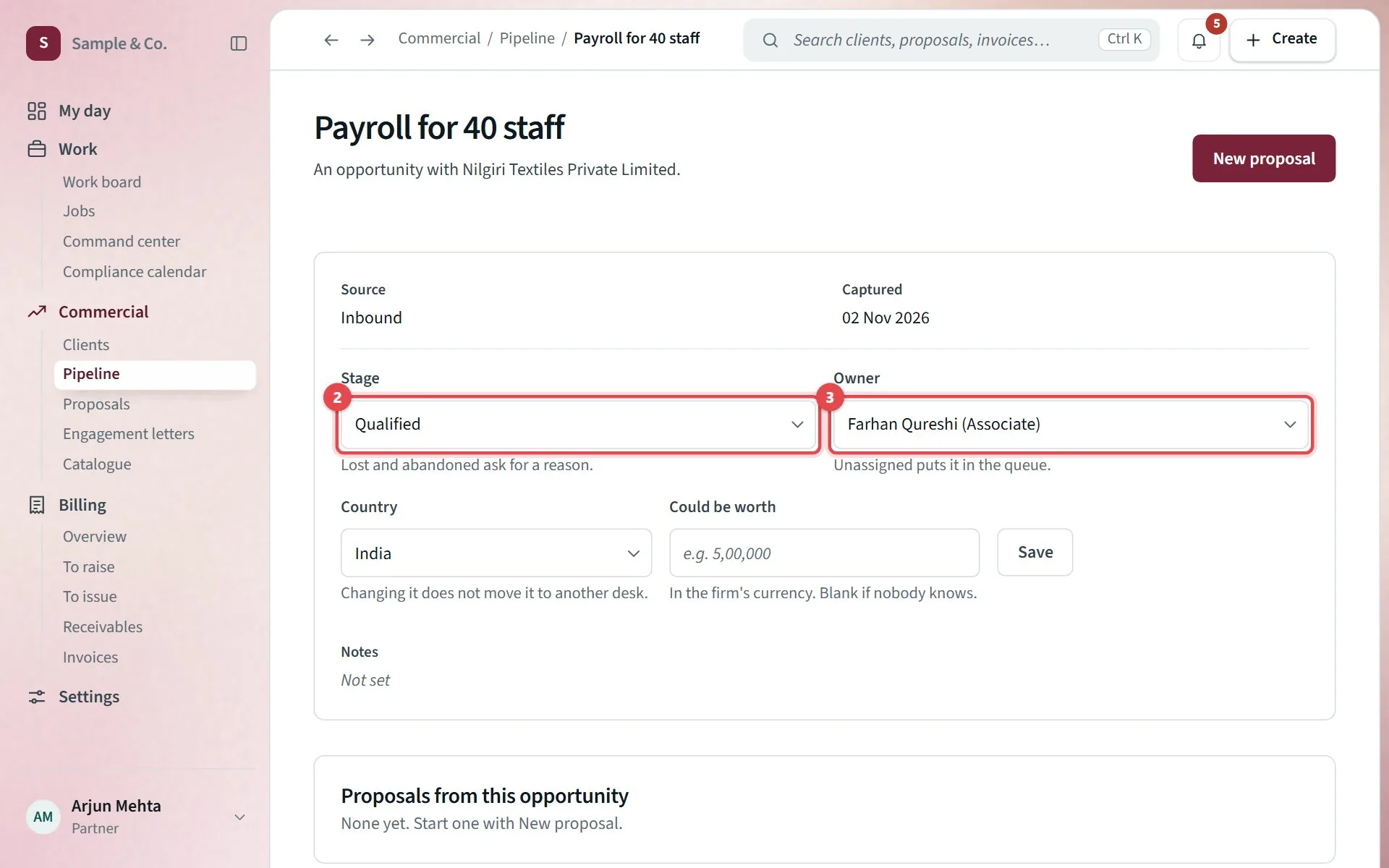 Nilgiri's lead, moved to Qualified. New proposal starts the quote.
Choosing Converted, Lost or Abandoned closes the lead, so BiB asks first. For Lost or Abandoned, type the reason under "Why is it lost?" (or abandoned), then click Close it as lost (or Close it as abandoned). For Converted, click Mark it converted.
Close leads by hand. BiB does not mark a lead Converted when the client accepts the proposal or signs the letter. Do it yourself when the letter is signed. A closed lead cannot be reopened; capture a new one instead.