Find the settings
Who can do it: Partner
Where: Settings , at the foot of the sidebar's list
-
Click Settings (1) in the sidebar. The sidebar turns into the settings list, and you land on Your firm. Click ← Settings at the top to go back to your work.
-
Your own name, password and alerts are not in that list. They are under your name at the foot of the
sidebar (2).
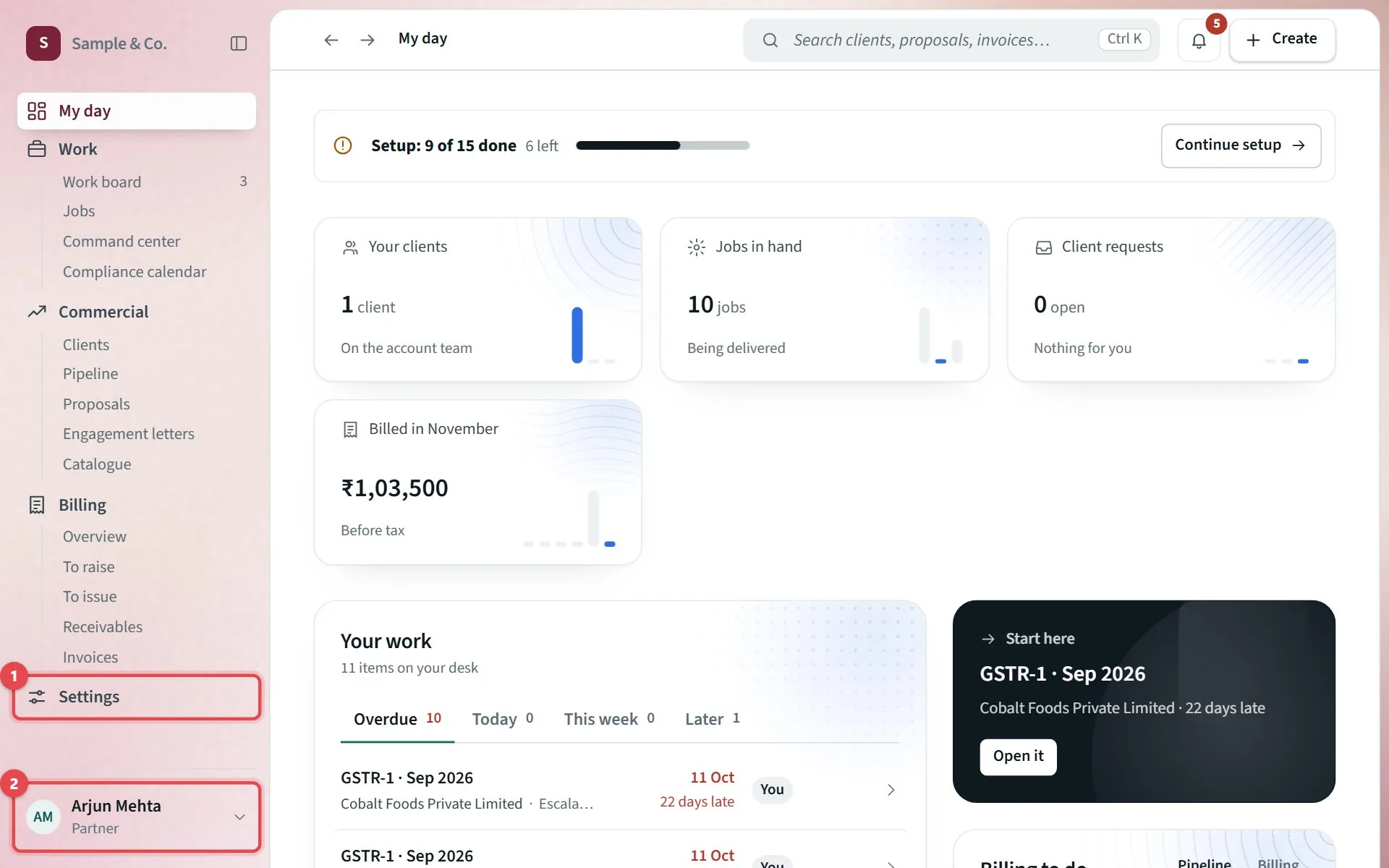 My day, with Settings (1) and your own menu (2).
The settings list has three groups. The firm is this chapter. How work runs and Documents come in later chapters.
Only an administrator sees The firm. A new firm gives that to the Partner role only. If an associate opens Your firm, BiB says "Not available to this account", and their settings list shows only what they may open.
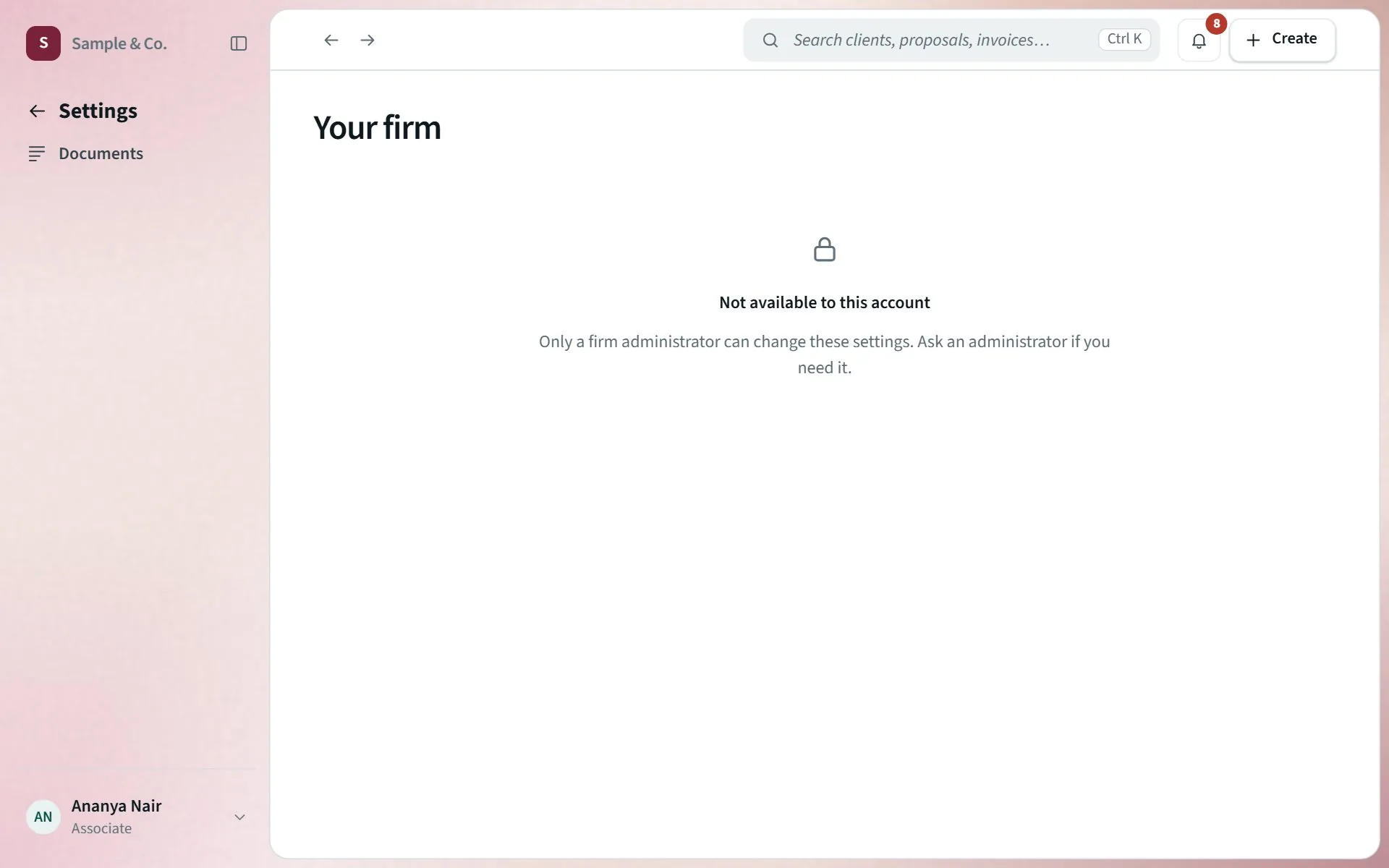 What an associate sees on Your firm.