Find an invoice
Who can do it: Everyone; amounts only for people who can see fees
Where: Billing › Invoices
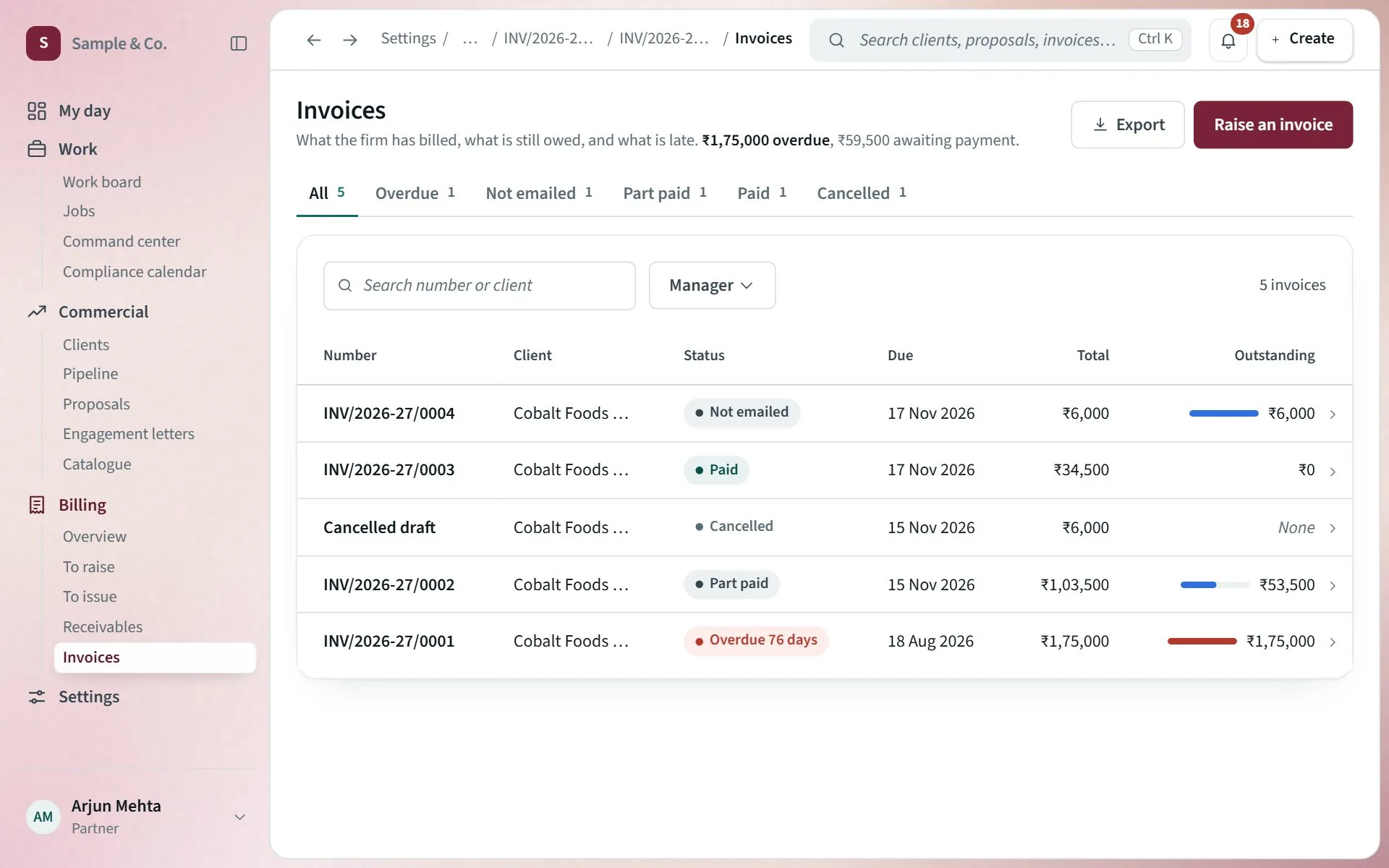 Every invoice with its status and what is still owed.
- Click a chip to filter: All, Draft, Needs IRN, Issued, Overdue, Not emailed, Part paid, Awaiting payment, Paid, Credited, Cancelled. Only chips with invoices show.
- Type in Search number or client.
- Filter by Manager. A firm with several companies can also filter by Company.
- Click Export for a spreadsheet of the list.
Note
Without fees, statuses are simpler A person who cannot see fees sees "Hidden" for amounts, and every unpaid, part-paid or paid invoice simply reads "Issued".