Check and fix a draft
Who can do it: Partner or manager
Where: Billing › To issue , then click the draft
- Read the checklist Before it can be issued. Each item is ticked or says what is missing.
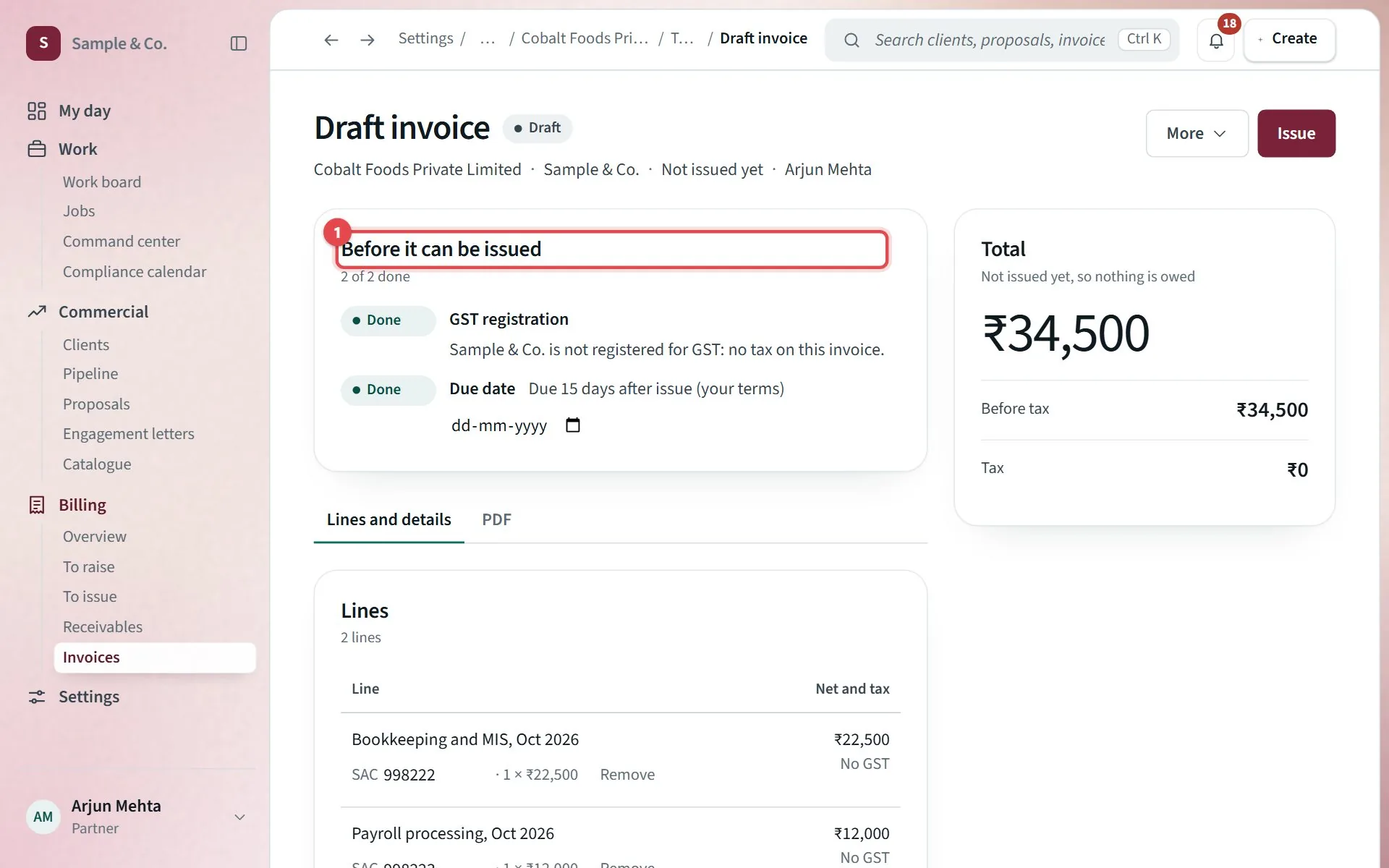 A draft. The checklist (1) says what still stops it.
-
To add a line, fill in What is this for?, Description, How many, Unit amount, Discount % and Tax %, then click Add line. Leave SAC empty to use the service's code.
-
To change the due date or the manager, use Due and Manager under the lines.
-
Switch to PDF to see the invoice as the client will.
| You see | Do this |
|---|---|
| "This invoice has no lines, so it asks the client for nothing. Add a line before issuing it." | Add a line. |
| "This invoice is due on …, which is before today's issue date, …" | Change Due to today or later. |
| "A GST invoice names the place of supply, and …'s address does not say which state it is in. …" | Choose the state on the draft, or add the client's state or GSTIN. |
| "A GST invoice prints each service's SAC, and this line has none: …" | Type the SAC on the line, or add it to the service in the catalogue. |
| "Sample & Co. has no bank account for INR." | A warning only. Ask a partner to add the account (Part 1). |