Sign in with an emailed link
Who can do it: Everyone
Where: The sign-in page
Use this if you have no password, or cannot remember it right now.
-
Type your Email.
-
Click Email me a sign-in link instead. BiB says "Check your email".
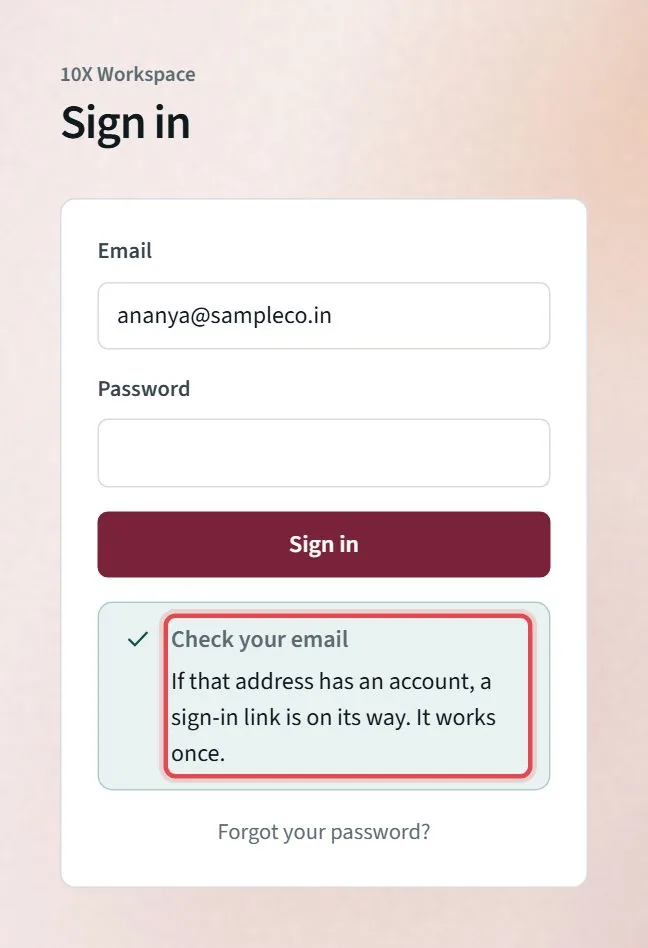 The link is on its way.
- Open the email "Your BiB sign-in link" and click the link. You are signed in.
Watch out
The link works once, within 15 minutes. If you asked twice, open the newest email. An older link, or one opened after 15 minutes, shows "This link no longer works". Click Back to sign in and ask for a new one.
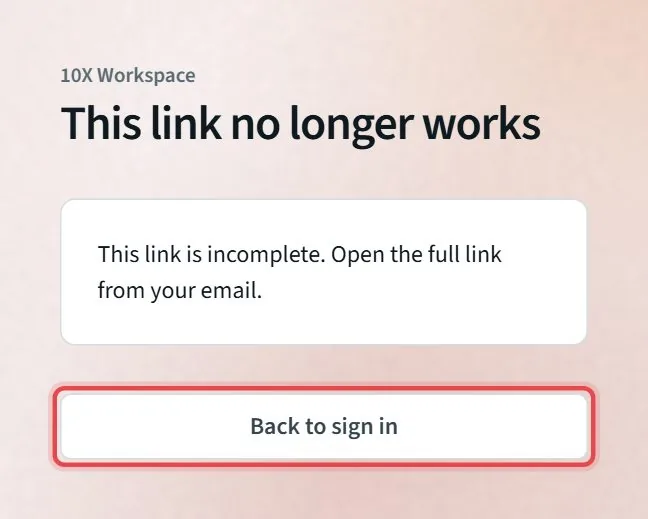 A link that cannot be used. The line under the heading says why.
Note
BiB never says whether an address has an account. The message is the same for any address. If no email comes in a few minutes, check the spelling, then your spam folder, then ask a partner which address the firm has for you.