Fix a task that was sent back
-
Open the task. The yellow box says who sent it back and why (1). It is also on your My day as Sent back to you.
-
Do what the note asks.
-
Click Send for review (3) again.
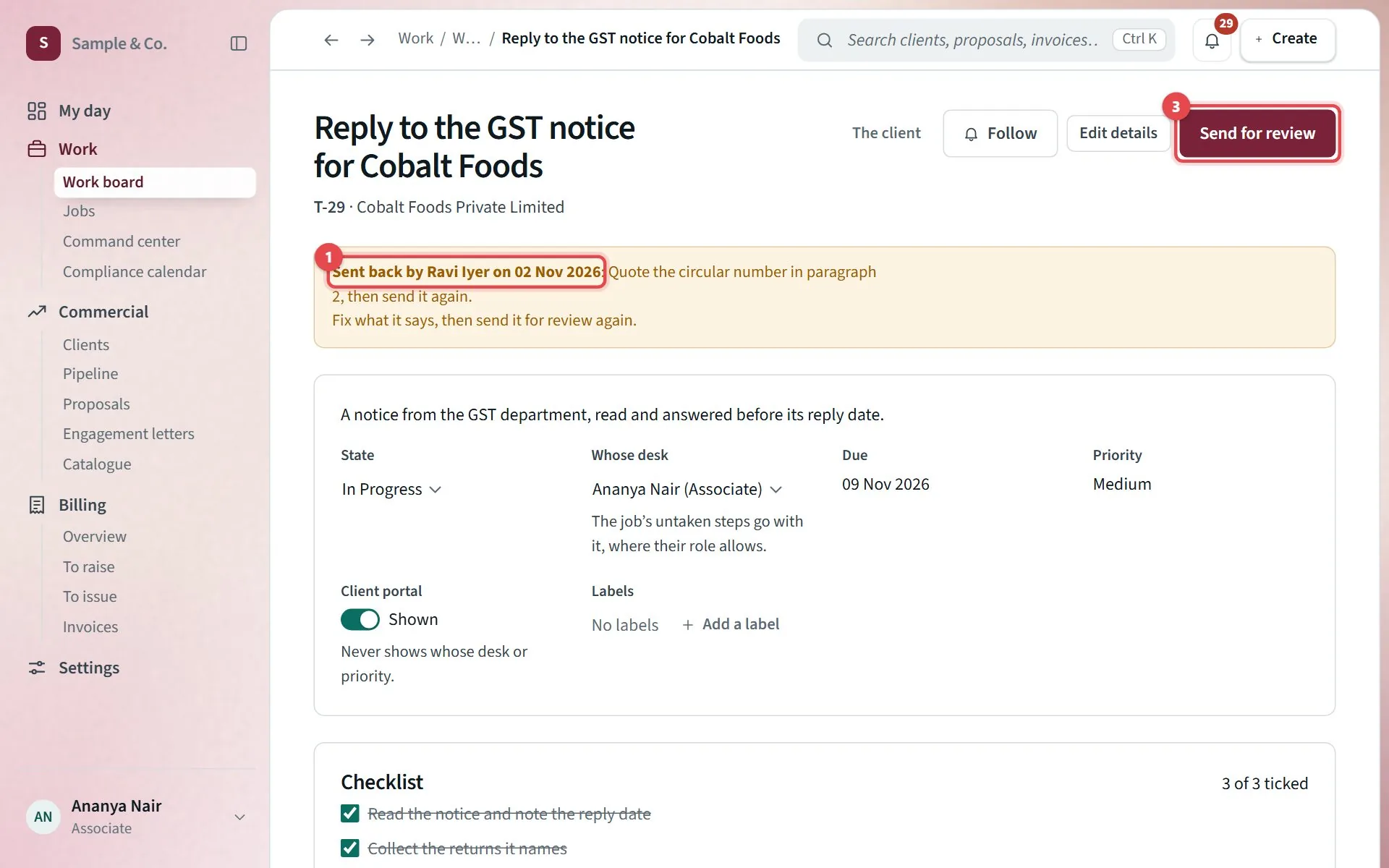 Sent back by the manager, with his note (1).
Open the task. The yellow box says who sent it back and why (1). It is also on your My day as Sent back to you.
Do what the note asks.
Click Send for review (3) again.
Sent back by the manager, with his note (1).