See the services your firm sells
Who can do it: Everyone. People who cannot see fees see Hidden instead of the price.
Where: Commercial › Catalogue
- Click Catalogue in the sidebar, under Commercial.
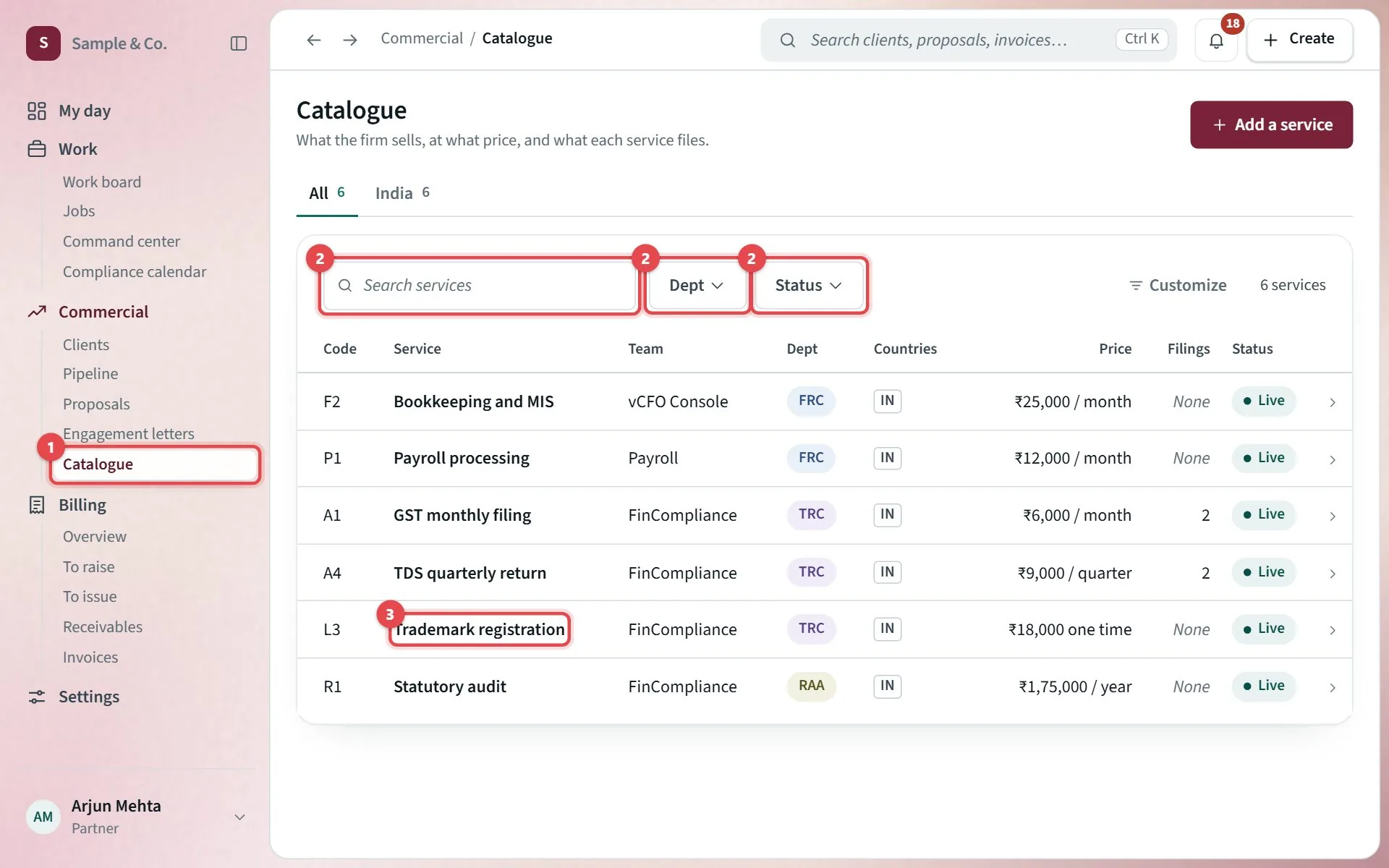 The Catalogue lists every service, its price and its status.
-
To find a service, type in Search services, or pick from the Dept or Status buttons. The tabs above the list (All, India) show the services sold in each country.
-
Click a service's name to open it.
Good to know
What the status means
- Live: it can be put on a proposal or letter now.
- Draft: it was saved but never made live, so nobody can quote it yet.
- Unpublished changes: it is live, and somebody saved a change that is not live yet.
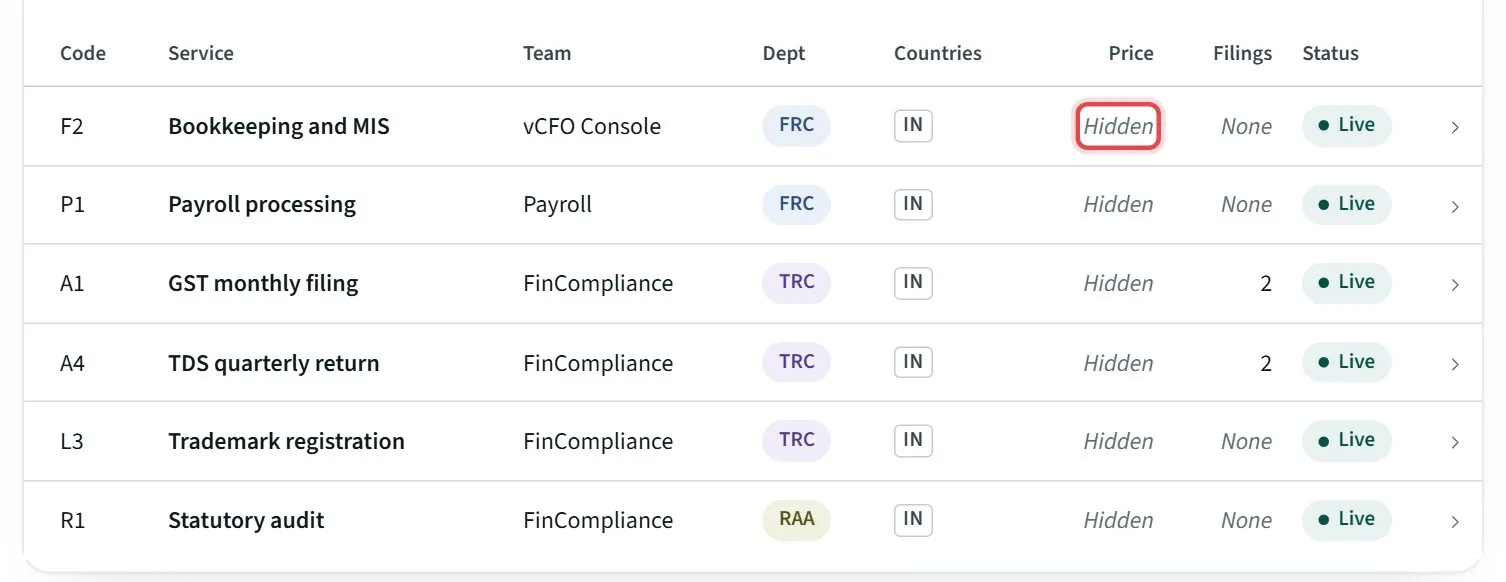 An associate's view: the price column says Hidden.