Give one of your companies its own wording
Who can do it: Partner
Where: Settings › Documents › Standard prose › the company's tab
Before you start: Your firm has more than one company, and this one needs different words (for example your Dubai company).
-
Click the company's tab, next to Default.
-
In the card you want, click Write this company’s own. BiB copies the Default lines in for you to start from.
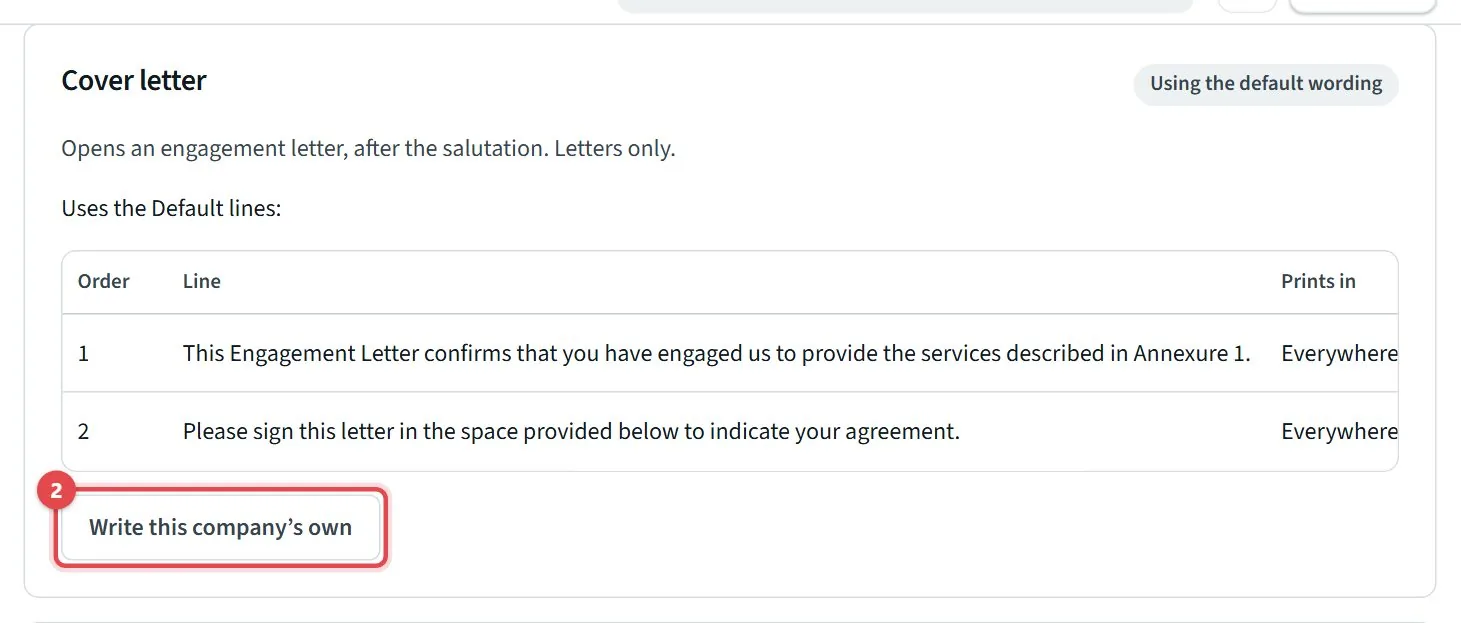 Each company uses the Default wording until it writes its own.
- Change the lines and click Save the wording.
To undo it, click Go back to the default. Drafts already made keep the lines they have.
Good to know
All or nothing, card by card Once a company has its own Cover letter, the Default Cover letter no longer prints on its letters. Its other cards still use the Default until you change them too.