Take a client's access away
Who can do it: Partner
Where: The client › Portal access (one company), or Settings › The firm › People , tab Clients (the whole login)
To stop someone seeing one company:
-
On their row, click Remove access.
-
Read the box and click Remove access.
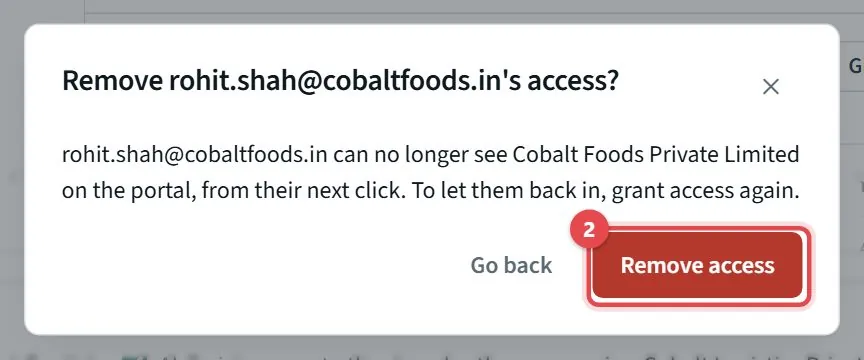 The box asks before anything changes. Their login keeps working for their other companies.
A Removed notice confirms it. They lose that company from their next click. The row moves into the history line "… who could see this before", so you can always see who had access.
To shut their login completely (for example, they left the client):
-
Open Settings › The firm › People and click the tab Clients.
-
On their row, click More, then Revoke access, and confirm Revoke access.
They are signed out at once. More › Restore access brings the login back.
Removing someone's only company does not lock them out. They can still sign in, and they see "Nothing shared with you yet". When a person leaves the client, revoke the login on People.