Help a client change their password
Who does it: Your client
Where: Their name at the foot of the portal menu › Your account
-
They click their name at the bottom of the menu, then Your account.
-
They type Current password, then New password (at least 12 characters) and Type it again.
-
They click Change password.
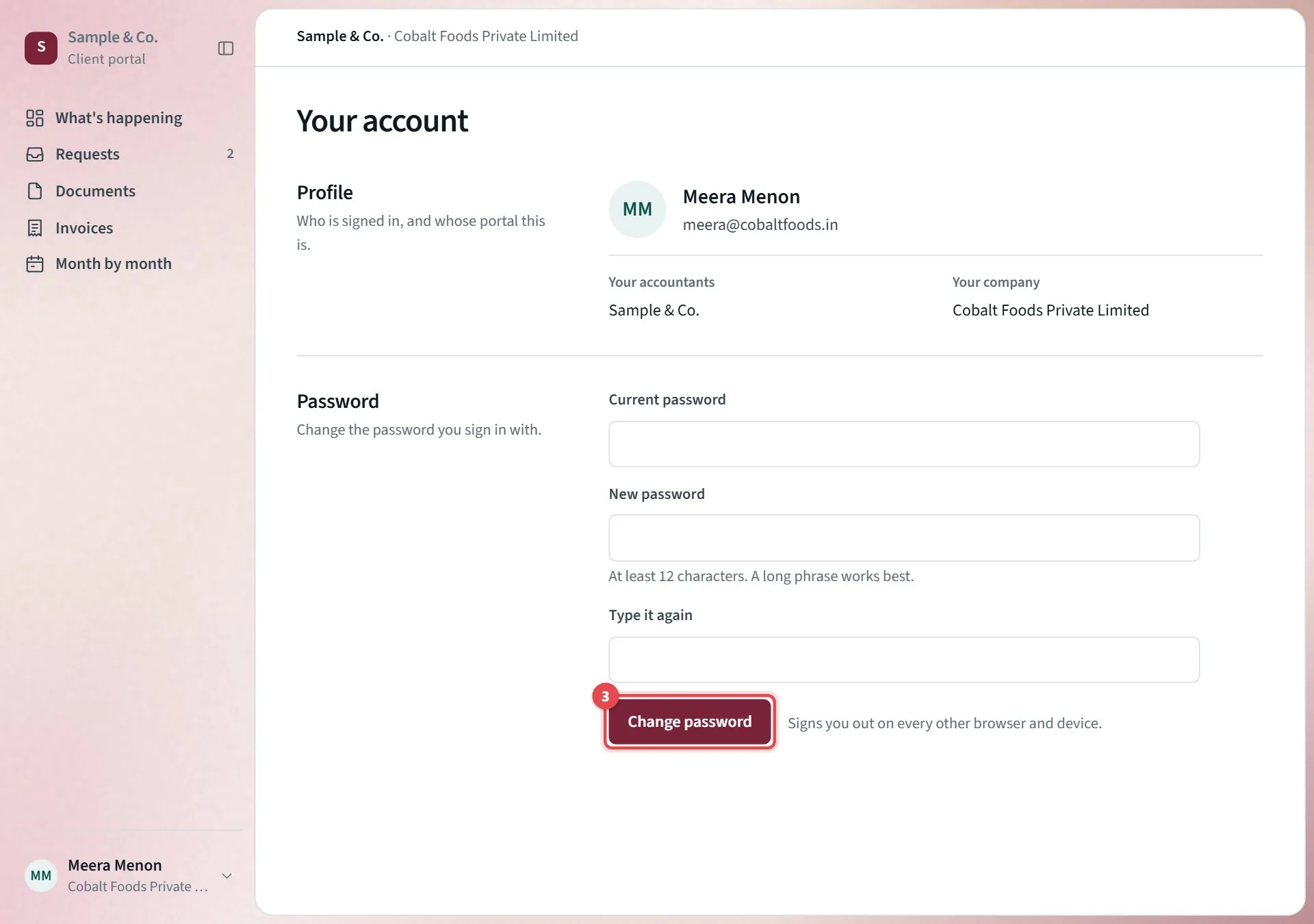 The client's account page: their accountants, their companies, their password.
Changed confirms it. They stay signed in on this screen and are signed out everywhere else.